Vehicle Reception and Operations Management Journey in Kaleam





Customer & Vehicle Reception
The journey begins as the customer arrives at the workshop. The receptionist greets the client and quickly registers their information and vehicle details using Kaleam.
VIN Scan & Auto Vehicle Recognition
Kaleam's app scans the VIN from the windshield or license and automatically fetches the vehicle's make, model, year, and engine size.
Initial Inspection & Notes
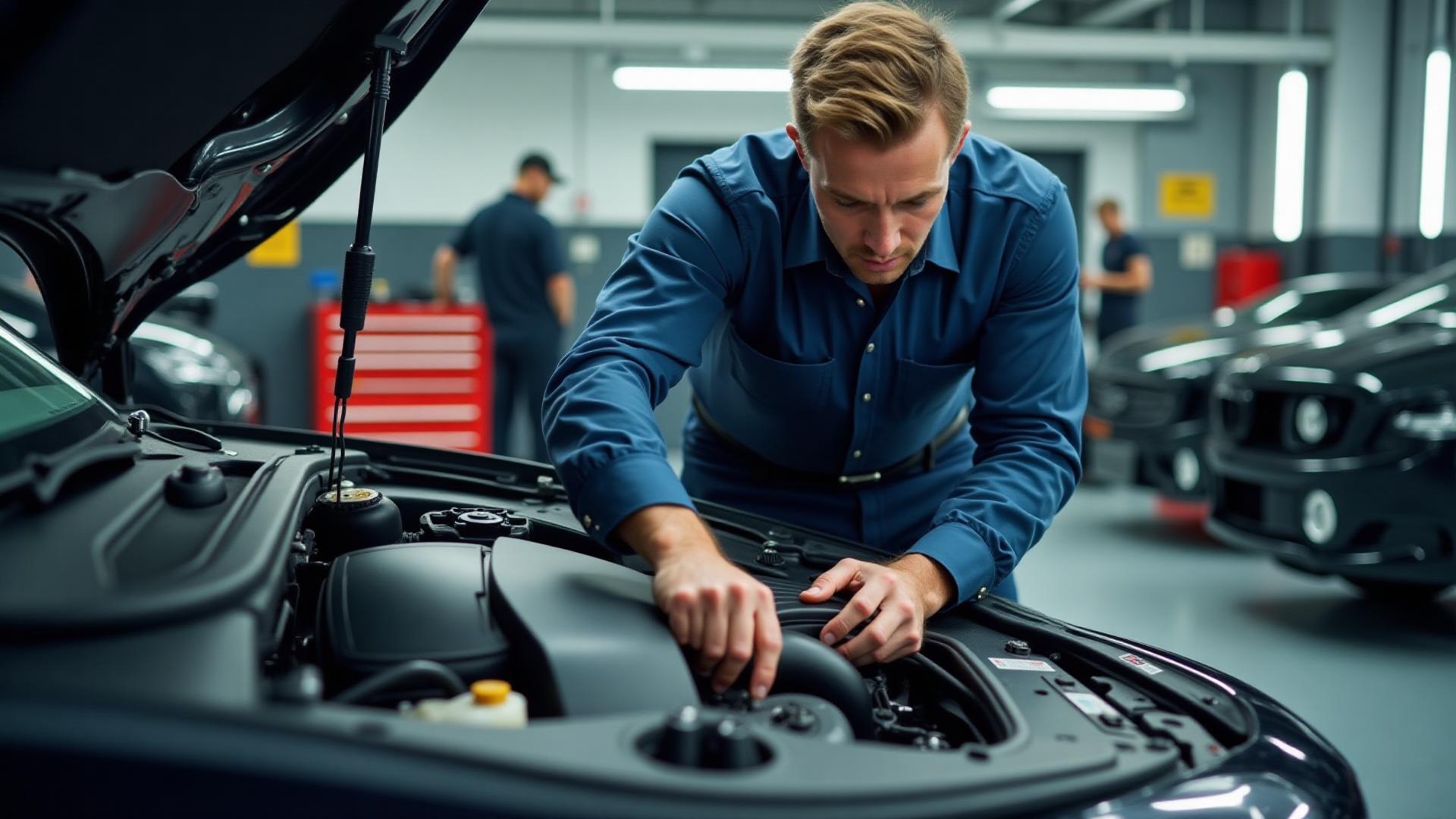
The technician performs an inspection using a smart digital checklist (mechanical, electrical, body, etc.). Each item has colored buttons (green, yellow, red) to mark its condition and attach photos or notes.
Quotation Preparation & Digital Approval
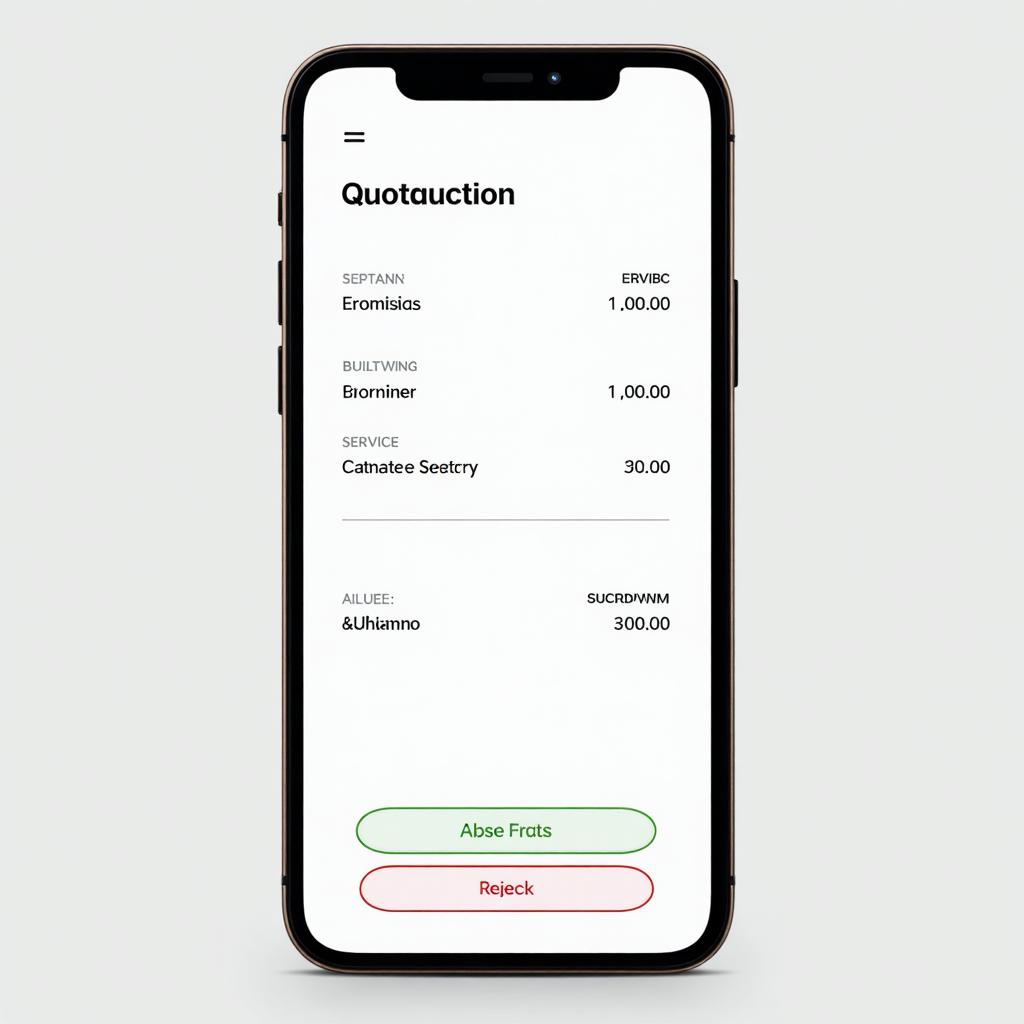
Once the inspection is complete, the system generates a quotation including services and required parts. It's sent to the customer via WhatsApp or email for digital approval.
Spare Parts Request
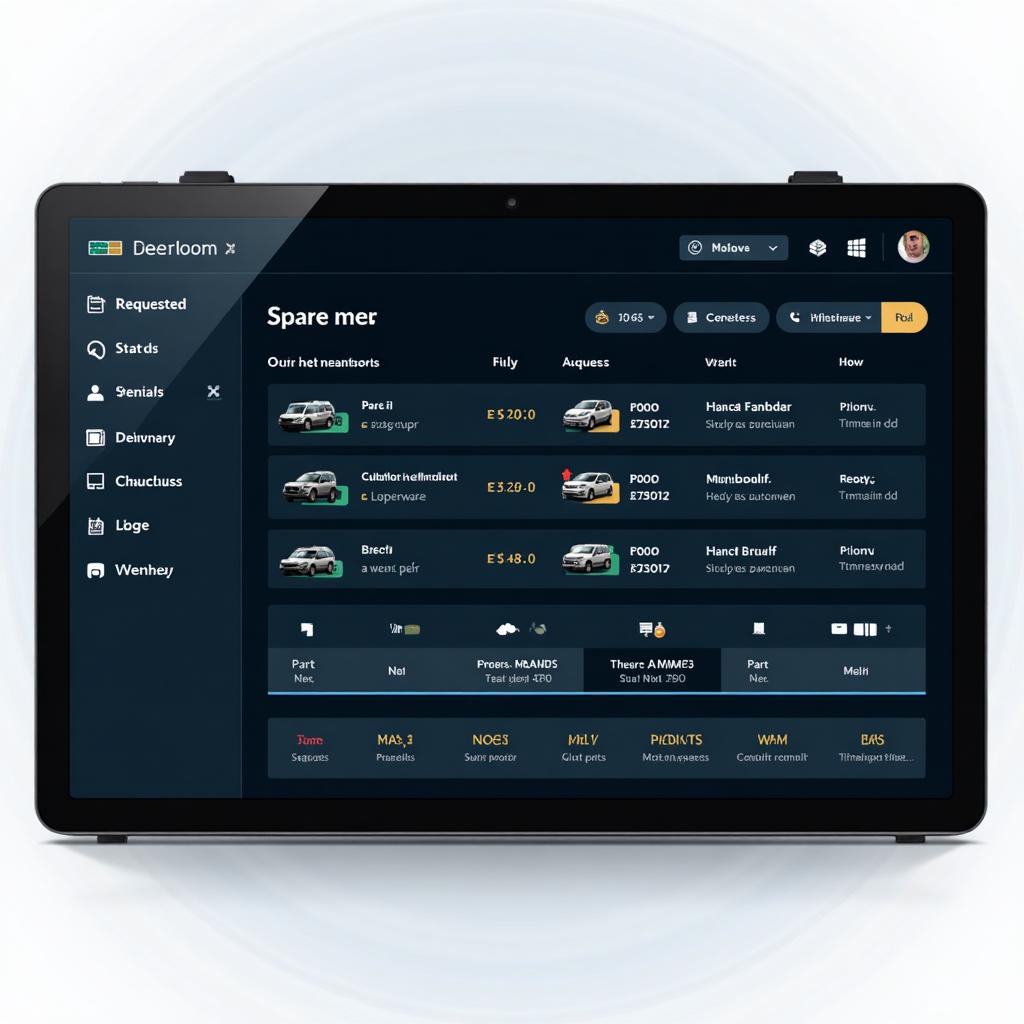
After approval, parts requests are automatically sent to the warehouse keeper through the system. Each request includes vehicle details and part numbers, with automated supplier inquiries if out of stock.
Warehouse Keeper Role
The warehouse keeper receives the request on a dedicated interface. They prepare or order the parts, then perform a 'Deliver to Workshop' action, updating the status to 'Issued.'
Work Execution & Progress Tracking
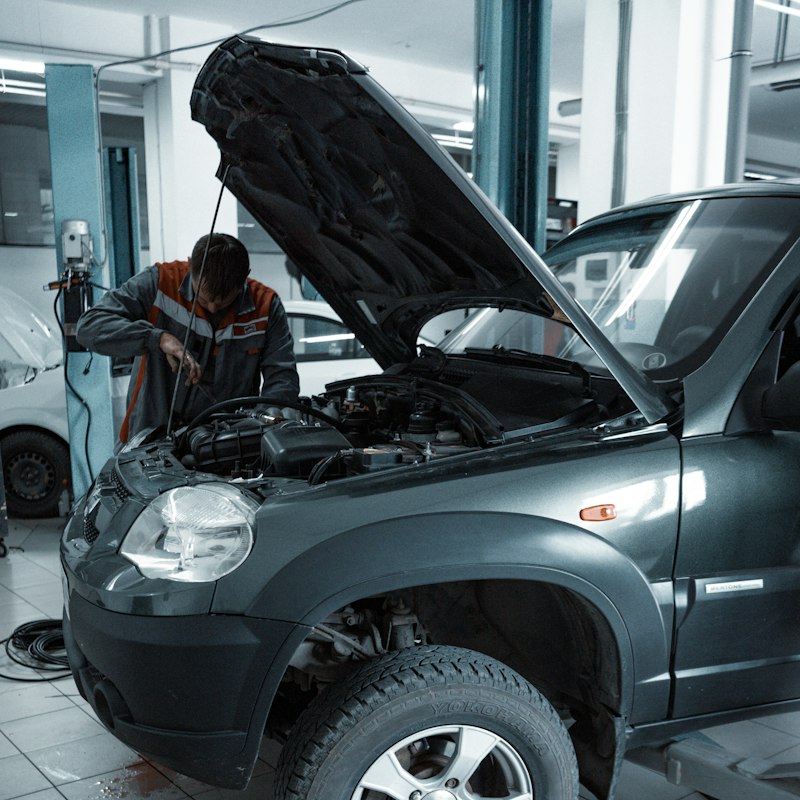
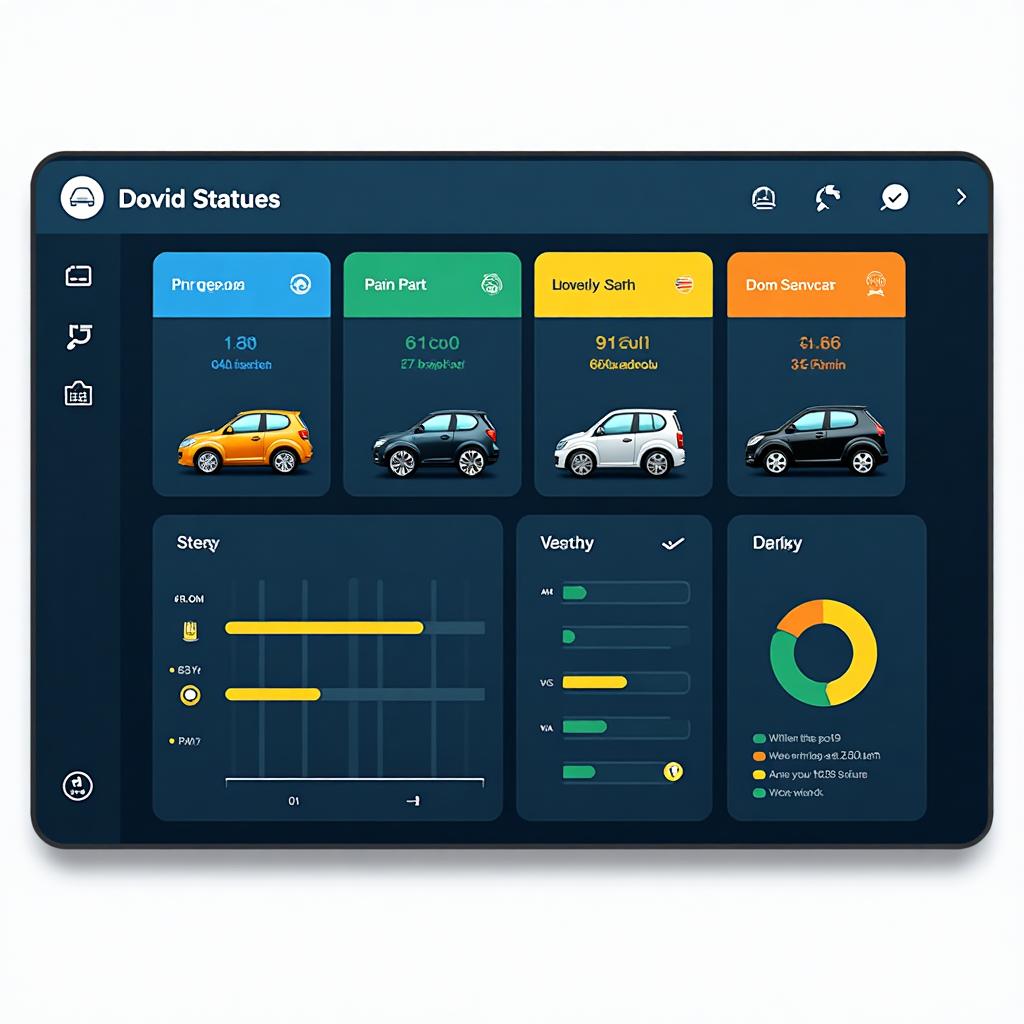
Once the technician receives the parts, the work begins. The system shows each vehicle's status clearly: In Progress – Awaiting Parts – Ready for Delivery.
Final Inspection & Vehicle Delivery
After completion, a final inspection ensures service quality. An electronic invoice is generated automatically and sent via WhatsApp or printed.
Service Feedback
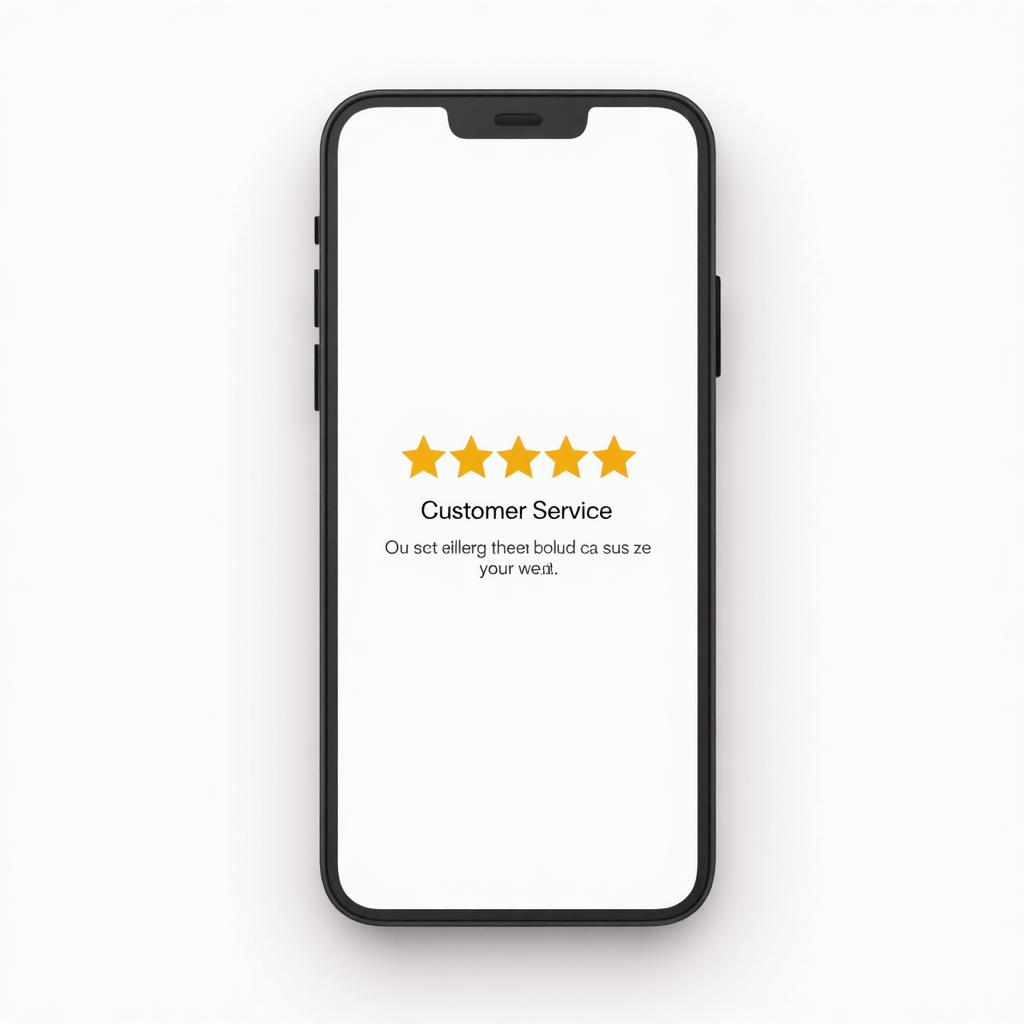
After delivery, the customer receives a feedback form to rate their experience — helping improve service quality.